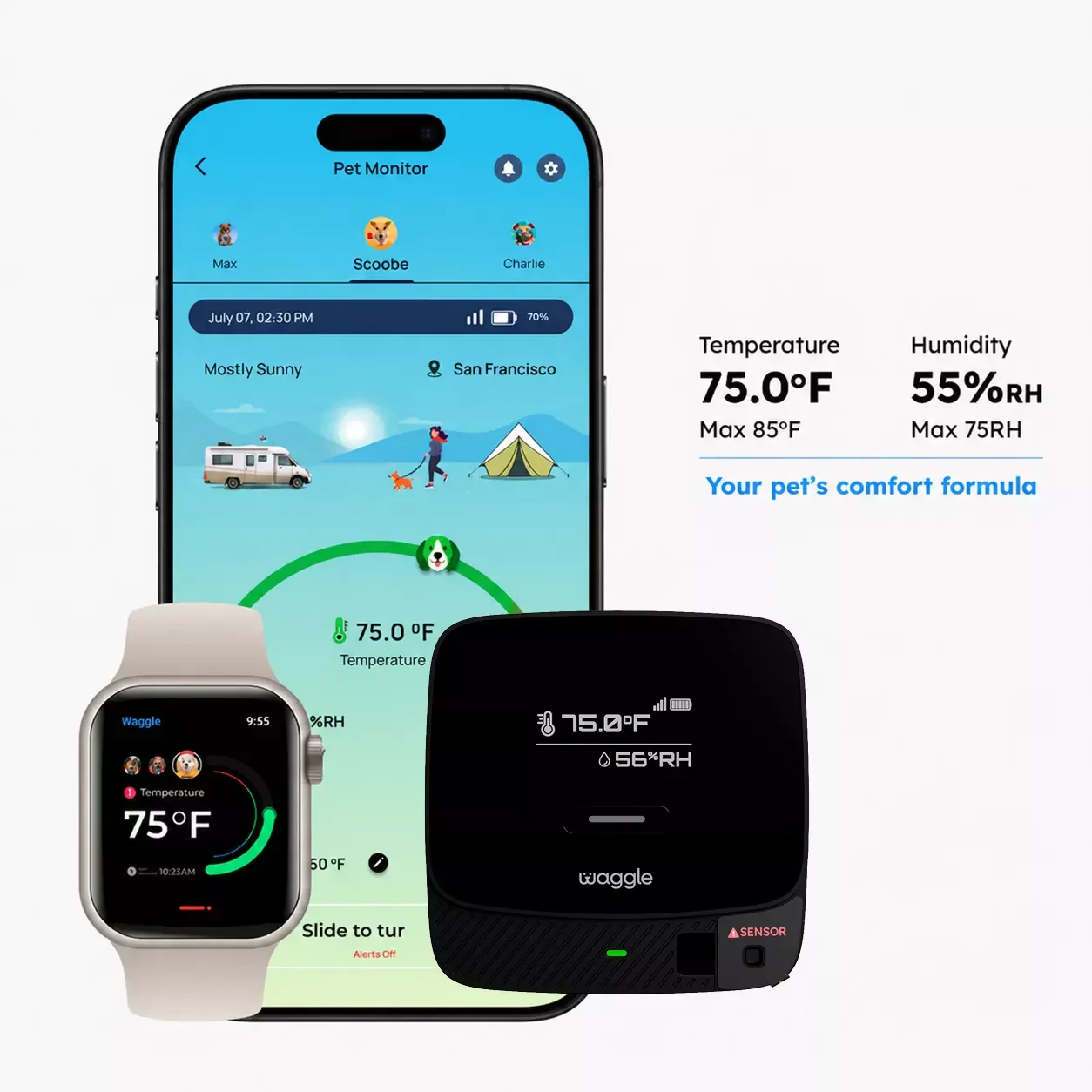
Map every link between the sensor and the person who can reach your RV, then test temperature, power, network, and battery failures before relying on remote alerts.
A temperature monitor adds another warning channel. It does not cool an RV, restart a failed air conditioner, unlock a door, or guarantee that a message will arrive. Before mounting the device, decide when a pet may remain in the RV at all. Climate control should already be stable, and the monitor should support that setup rather than make a marginal plan feel acceptable. CDC and AVMA heat guidance treats heat exposure as a medical risk. Do not use an alert as permission to leave a pet in a vehicle or RV that cannot maintain suitable conditions. Write down who is responsible, how long that person expects to be away, where the nearest adult with access will be, and which events end the plan immediately. A failed air conditioner, weak signal, power outage, or pet showing distress should prompt a change of plan, not a debate about the app reading. If nobody nearby can reach the RV promptly, remote monitoring is not an adequate fallback by itself.
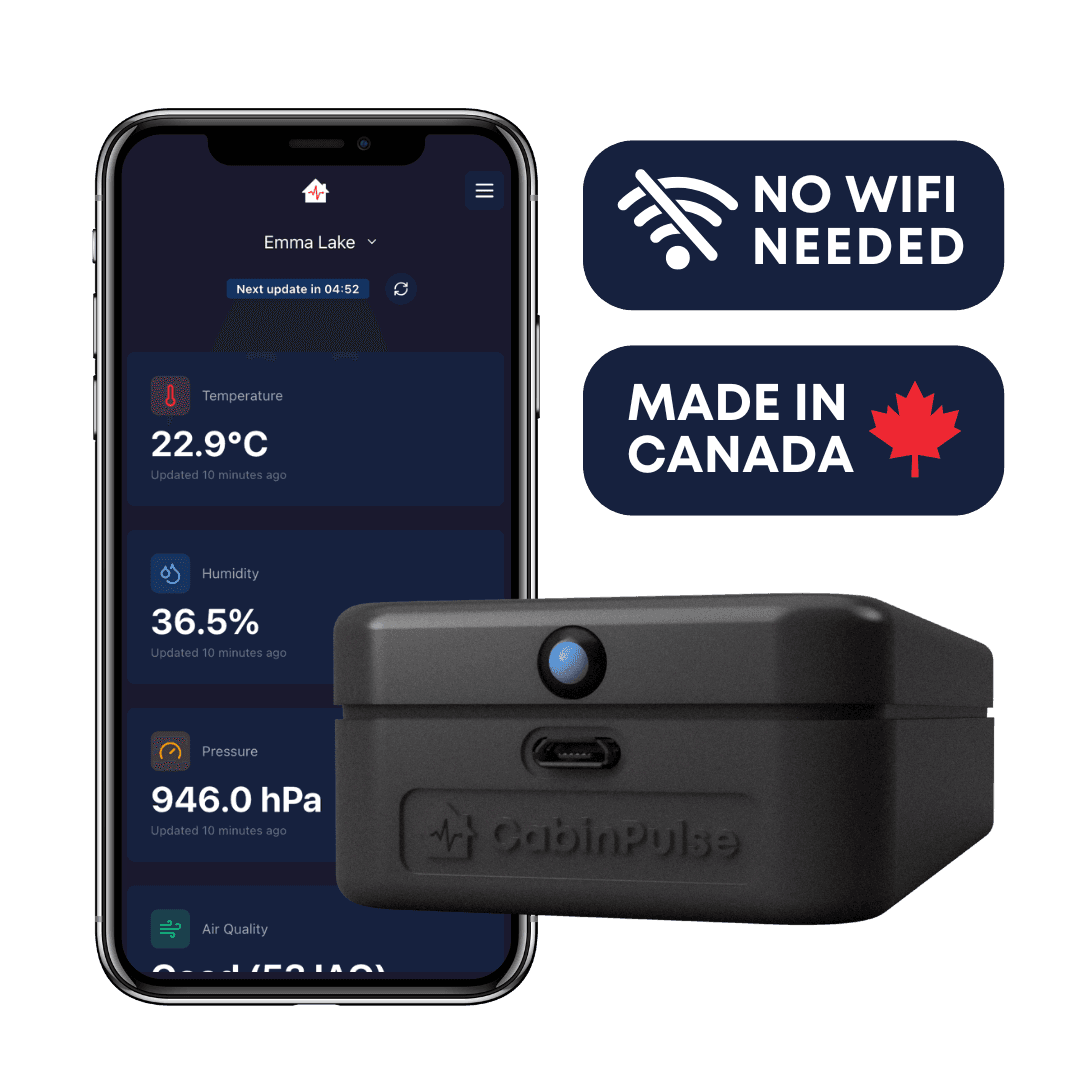
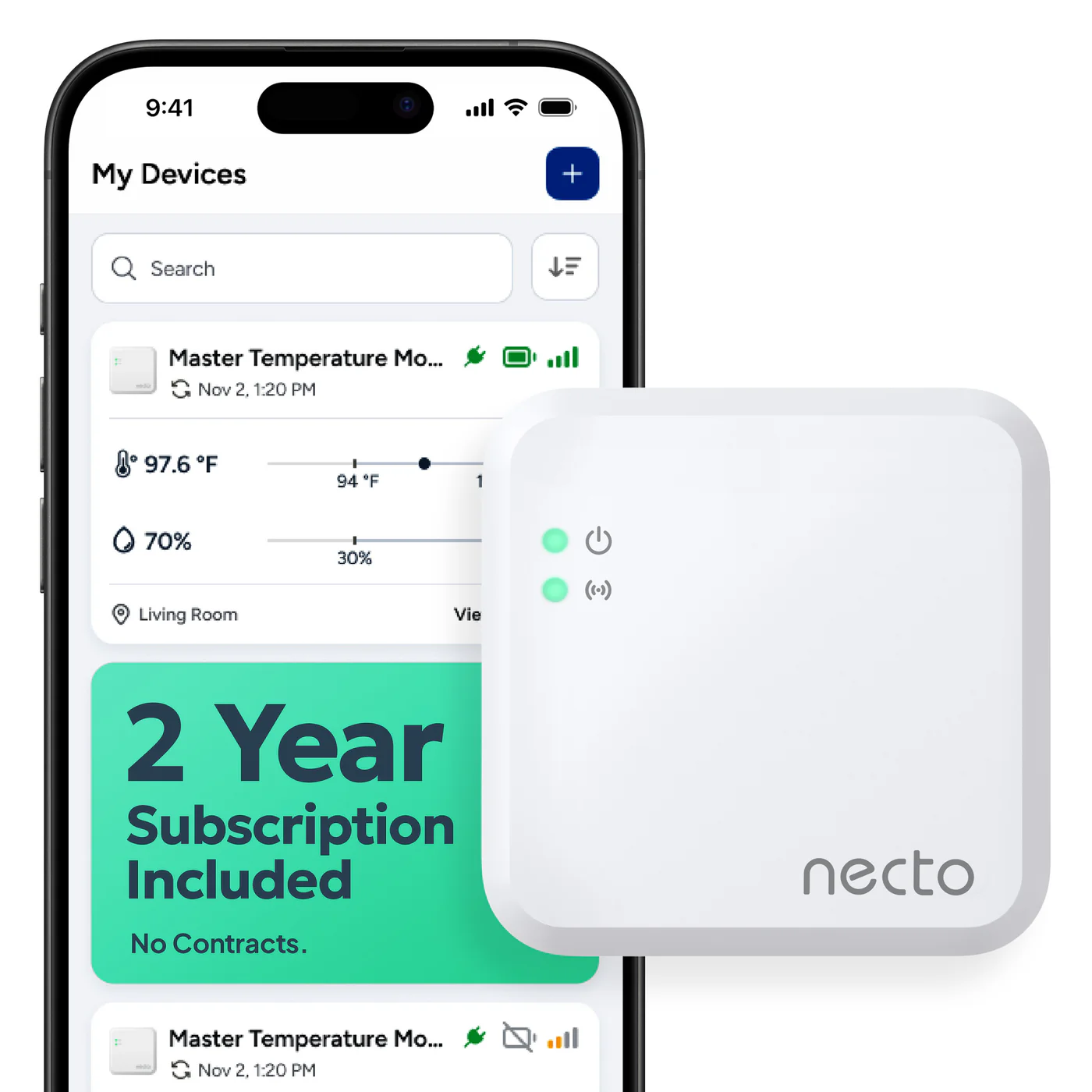
The sensor is only the first link. A dedicated cellular setup may run from the sensor and modem through a mobile network, the manufacturer's service, an app or messaging channel, and finally to a phone. A Wi-Fi setup can add a hub, router, hotspot, campground connection, and cloud service before the alert reaches anyone. Draw the path for your own installation. Mark every part that needs electricity, internet access, an active subscription, a working account, or current contact information. This simple exercise often reveals the failure that is easiest to miss. A battery-powered sensor may keep recording while an unpowered hub or router prevents any alert from leaving the RV. A cellular device avoids the RV router, but it still depends on compatible coverage, its own power, an active service plan, and the vendor's alert service. Check the normal reporting interval separately from the promised alert behavior. A device that uploads routine readings every few minutes may handle an out-of-range event differently. Record what the manufacturer says happens during an outage and whether offline readings are stored for later.
A successful test in the driveway says little about a wooded campground or a remote overnight stop. A dedicated cellular monitor avoids campground Wi-Fi, but it still needs compatible carrier coverage at the exact campsite. A phone using another carrier is not proof that the monitor has service. Wi-Fi can work well when the RV has a managed router or hotspot with dependable power. Shared campground networks and captive login pages add more points of failure, especially after a reconnect. Before a trip, test the monitor on the same network and power arrangement that will be used in the RV. Close the app and confirm that the real notification channels still reach every intended phone. Repeat a live test after moving to a new campsite. If coverage is marginal, do not assume repeated transmissions will make the system dependable enough. Change the parking location, use another supported connection, keep a nearby person on watch, or change the plan for the pet. For devices that use an owner-supplied SIM, confirm network bands, activation, account balance, and the configured destination number before departure.
Run a controlled shore-power test while no pet is at risk. Unplug the RV from shore power and watch which parts remain active. Confirm whether the system sends a power-loss alert and whether that message reaches every contact. A dedicated cellular monitor may have an internal battery. A Wi-Fi sensor may also stay on, yet lose remote access because its gateway, router, or hotspot has no backup power. List the expected runtime for the sensor, gateway, router or hotspot, and the phones receiving alerts. Add backup power wherever a required link would otherwise shut down. Charge rechargeable units and replace aging batteries before a trip. Ready.gov recommends planning for outages, but backup power for a monitor does not solve a failed air conditioner or create access to an unattended RV. Treat advertised battery runtime as an estimate rather than a promise. Battery condition, signal strength, temperature, and reporting frequency can affect the result. Repeat the outage test after changing an outlet, router, service plan, firmware, or battery. Write down the restart procedure so another traveler can restore the system without guessing.
Mount the sensor in the occupied living area rather than on the easiest open shelf. Keep it away from direct sunlight, window glass, exterior walls, cooking appliances, heaters, air-conditioning vents, and other spots that can produce a local reading unlike the area around the pet. Place a trusted second thermometer beside the sensor during setup. Compare the readings through ordinary cooling cycles and resolve any consistent difference before choosing alert settings. If pets use separate rooms or levels, one sensor in a convenient corner may not represent both spaces. A second monitored zone may be more useful than a single device placed where its signal looks strongest. Follow the manufacturer's mounting orientation and clearance instructions. Secure the device, cable, and power adapter where a pet cannot chew them, pull them down, cover them with bedding, or spill water on them. After moving the sensor, rearranging furniture, changing the air-conditioning outlet direction, or placing the RV at a new site, compare the reading again. Good placement is part of the installation, not a one-time cosmetic decision.
Avoid copying a single temperature threshold from an unrelated setup. Pets differ, RV interiors heat unevenly, and a nearby person may need time to reach the site. If age, health, medication, or heat tolerance changes the risk for a particular pet, ask the veterinarian how that should affect the travel plan. Set the warning early enough for the designated contact to act before conditions worsen. Enable the alerts that matter to the full system, which may include high or low temperature, humidity, shore-power loss, low battery, device offline status, and recovery notices. More notifications are not automatically better. Each enabled alert should have an owner who understands what it means and what to do next. Use at least the traveler and one person close enough to reach the RV when the system allows it. Confirm notification permissions, audible settings, spam filtering, and current phone numbers or email addresses. Give the nearby contact the exact campsite or parking location, a lawful access method, the pet's name, and a short response instruction. Decide who acts if the primary person misses the first alert. One silent phone should not be the entire emergency plan.
Test failure modes while the RV is attended and the pet is somewhere safe. To check a high-temperature alert, temporarily lower the threshold or use the manufacturer's test function rather than heating the occupied RV. Confirm the trigger, arrival time, message wording, and recovery notice on every contact's phone, then restore the intended setting. Next, unplug shore power. For a Wi-Fi system, test what happens when the router or hotspot loses power and when internet service disappears while local devices remain on. Check low-battery and offline warnings through supported test methods. If a system stores readings locally during an outage, confirm that the history appears after reconnection, but do not confuse a later record with a live warning. Repeat the drill after changing devices, networks, subscriptions, contacts, or major settings. Run a shorter live test at the start of each trip and after moving the RV. Record the date, result, and any alert delay. One successful test does not guarantee the next message, but a failed test is clear evidence that the system is not ready. Fix the broken link or change the pet-care plan before leaving.
We used these primary or authoritative references when checking this guide. Product instructions and local rules can change, so confirm details that affect your trip.
Yes. It explains the main decision points in plain language and links to relevant product reviews when published options are available.
No. Prices, coupons, stock, and shipping terms can change. Confirm the current offer on the retailer page before checkout.
Related content